

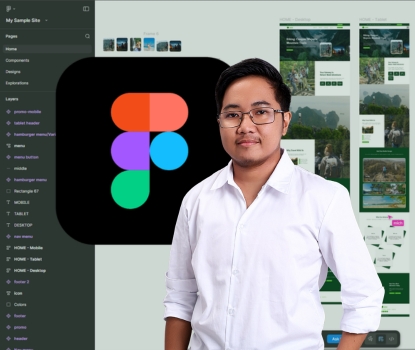
Overview: Figma 101 – A Crash Course for Beginners
Figma 101: A Crash Course for Beginners is designed to introduce you to Figma, a powerful cloud-based design tool used for UI/UX design, prototyping, and collaboration. Whether you're a complete beginner or transitioning from other design tools like Adobe XD or Sketch, this course will give you a solid foundation in Figma's interface, features, and best practices.
What You’ll Learn
- Introduction to Figma – What is Figma, and why is it popular?
- Navigating the Interface – Understanding the workspace, tools, and layers panel.
- Creating and Editing Designs – Shapes, text, colors, and components.
- Working with Frames & Layouts – Organizing your designs efficiently.
- Prototyping & Interactions – Creating clickable prototypes.
- Collaboration & Sharing – Real-time editing and feedback.
- Exporting & Handoff – Preparing designs for developers.
Who is this Course For?
- Beginners with no prior design experience.
- Graphic designers looking to switch to UI/UX design.
- Developers & Product Managers who need to collaborate on designs.
- Students & Entrepreneurs wanting to create their own prototypes.
By the end of this crash course, you'll have a working knowledge of Figma’s core features, allowing you to start creating stunning UI designs and prototypes with ease!
- Teacher: UpskillNowPH Admin
- Teacher: Rhodelyn Salazar
Skill Level: Beginner
SEEKPass Credential Type: none